Intelligent Customization
Clients can tailor branding, layouts, and content to their audiences, while agentic AI simplifies customization and enables more adaptive streaming experiences.
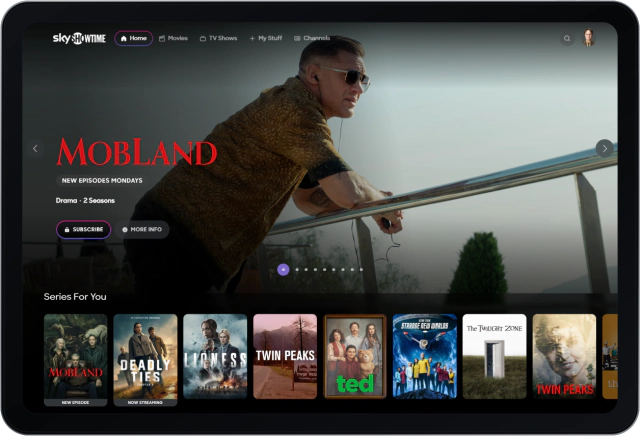
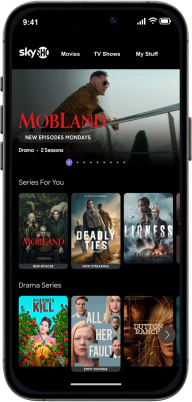
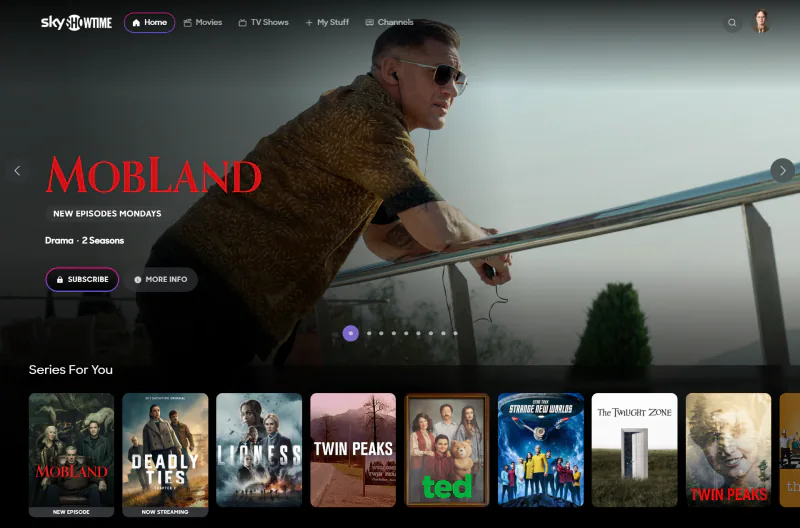
Accenture Media Suite is an award-winning platform for creating modular streaming services, serving over 100 million monthly viewers worldwide. As its products evolved, it needed a unified design system that could support a cohesive yet configurable visual identity while meeting the different demands of desktop, mobile, and TV.
As design systems lead, I guided the product’s evolution into an AI-based platform, positioning agentic AI as the foundation for its new core feature: rapidly tailoring and deploying custom streaming experiences.
To make this possible, I worked with developers and C-suite stakeholders to create a structured, well-governed design system built to support reliable, AI-assisted feature development.
Clients can tailor branding, layouts, and content to their audiences, while agentic AI simplifies customization and enables more adaptive streaming experiences.
Shared tokens, reusable components, and clear guidelines give clients a common foundation while preserving each streaming service’s distinct identity.
With a design system optimized for AI coding, ideas can be transformed into production-ready features and brought to market faster than ever.
01 / Design system
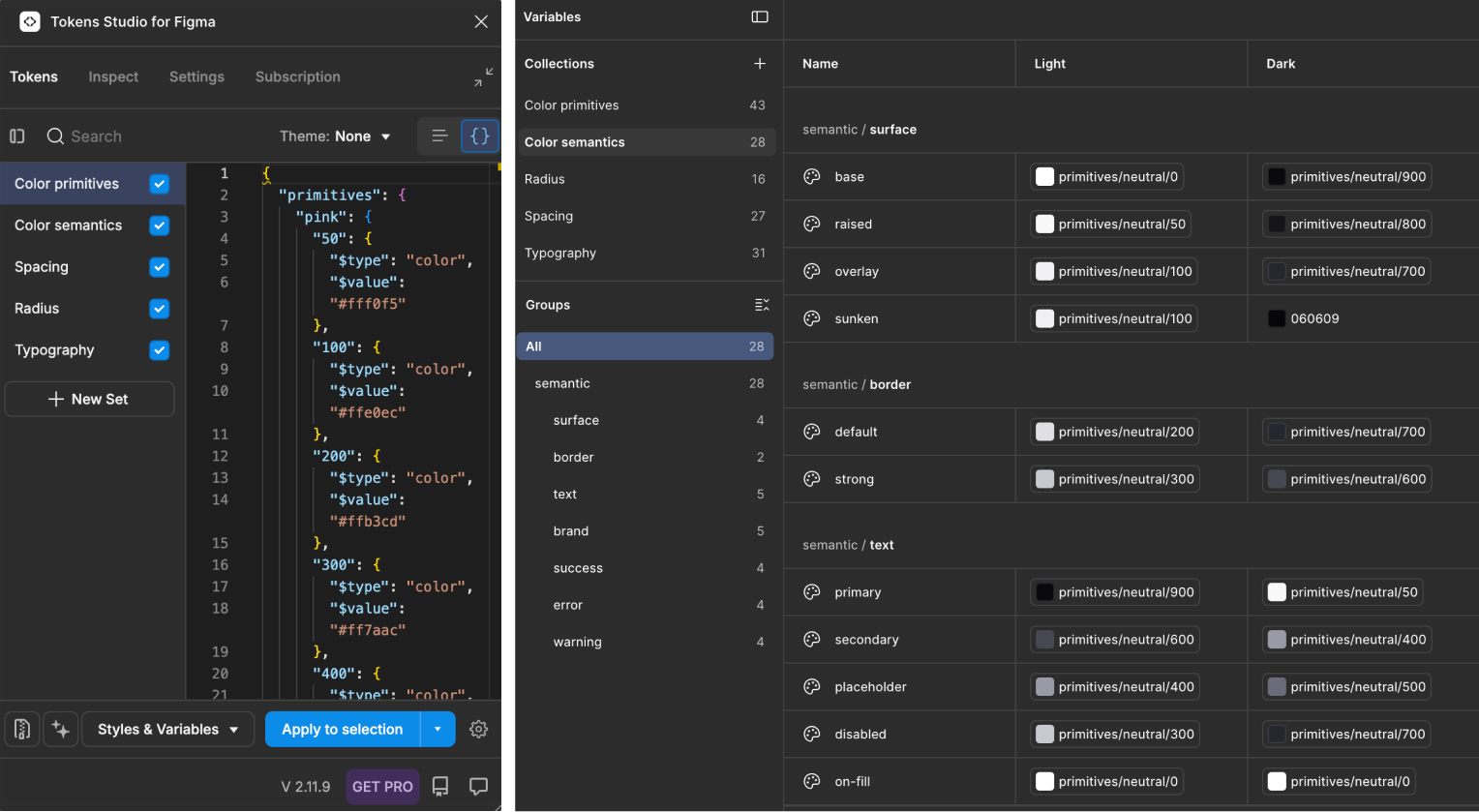
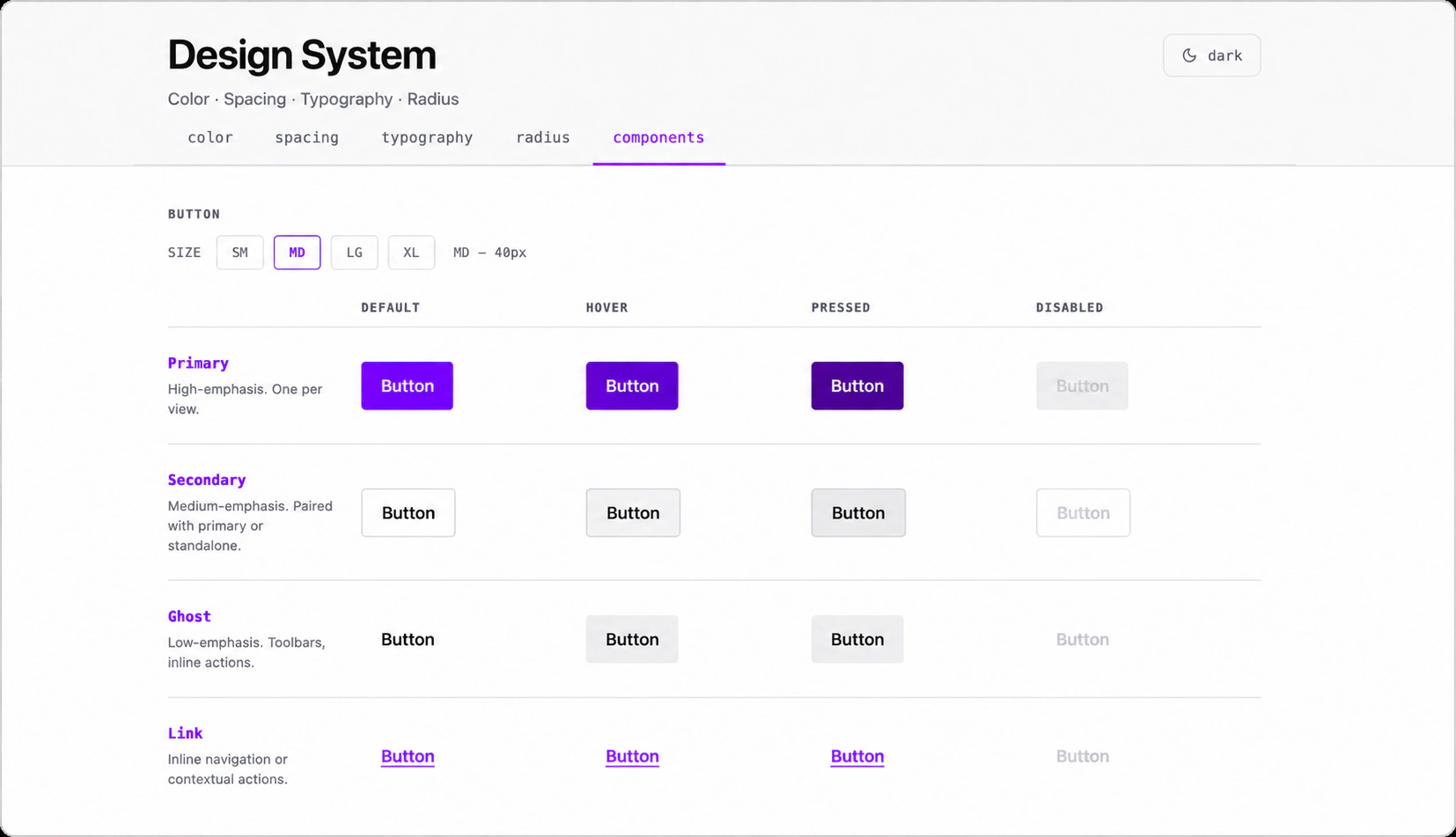
I used Claude to define an early shared set of design values, then organised them into a clear hierarchy of primitives and semantic tokens. This gave AI tools explicit rules to build from, with accessible colour pairings and a DTCG-aligned format keeping the foundation consistent and machine-readable.
From a colour value to a component role.
#a100ff--ds-brand-defaultbutton.primary.background#fafafa--ds-surface-basebutton.secondary.background#26262e--ds-text-primarybutton.secondary.foreground#1a9455--ds-success-fillSuccess fill#f5a800--ds-warning-fillWarning fillTokens Studio was used to connect the token architecture to native Figma variables, establishing a consistent foundation for the UI kit. With AI speeding up component creation, Tokens Studio helped maintain the token hierarchy and keep design and code aligned.
The system eventually took shape as a reusable component library with defined variants, states, and responsive behaviour. AI greatly accelerated development, enabling each designer on my team to deliver up to 10 production-ready components per day.
02 / Quality assurance
Components were being built faster than ever but they still needed manual review. Spacing, auto-layout, and responsive behaviour often required correction, leaving designers and developers spending hours each week solving QA issues.
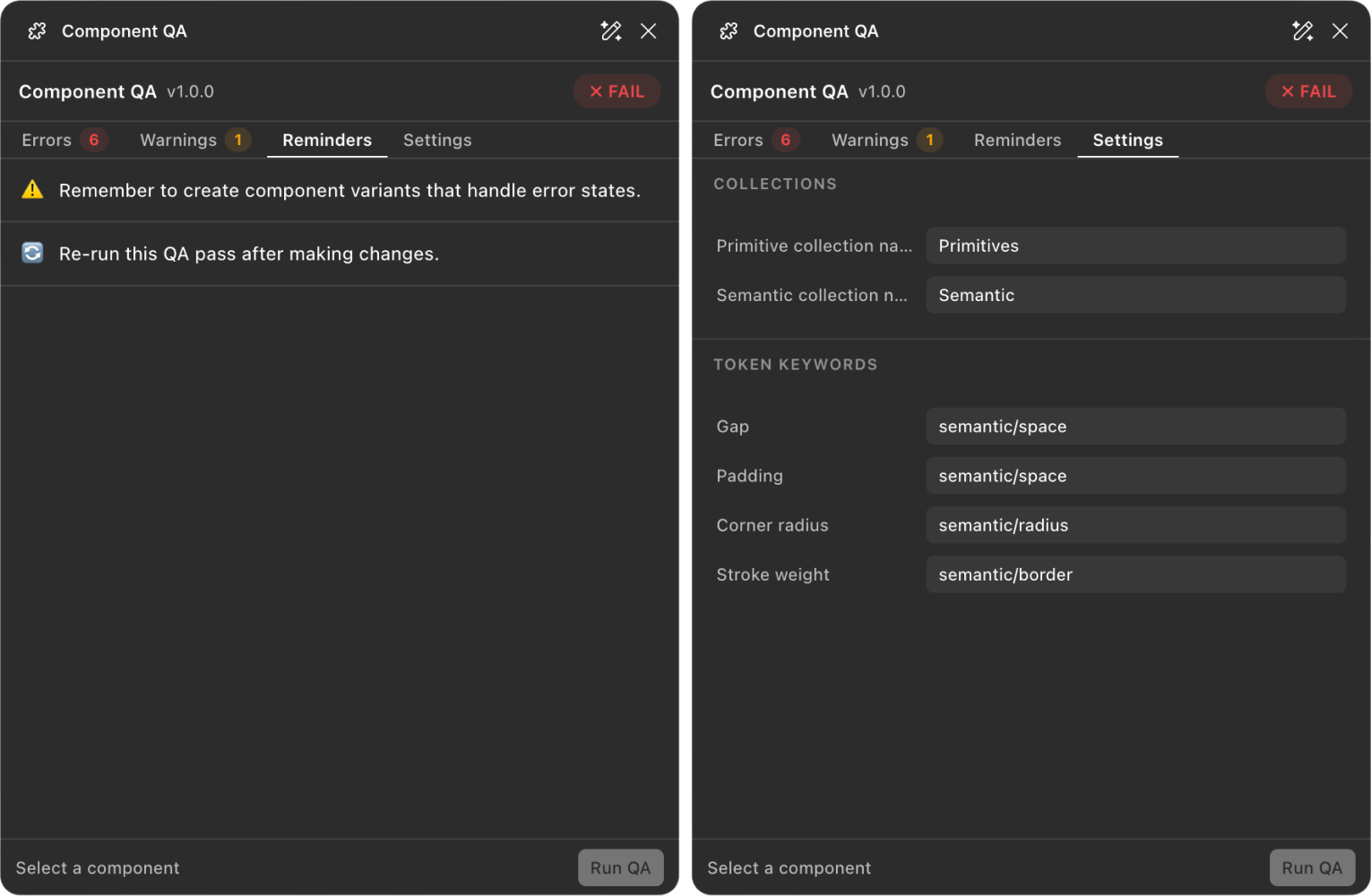
I wanted to reduce QA meetings, so I built Component QA using Claude Code and Figma Agents. Connected to Figma’s API, the plugin checks components for design inconsistencies and offers one-click fixes. By catching issues early, it halved the time my team spent in QA meetings within its first week.
03 / Optimisation
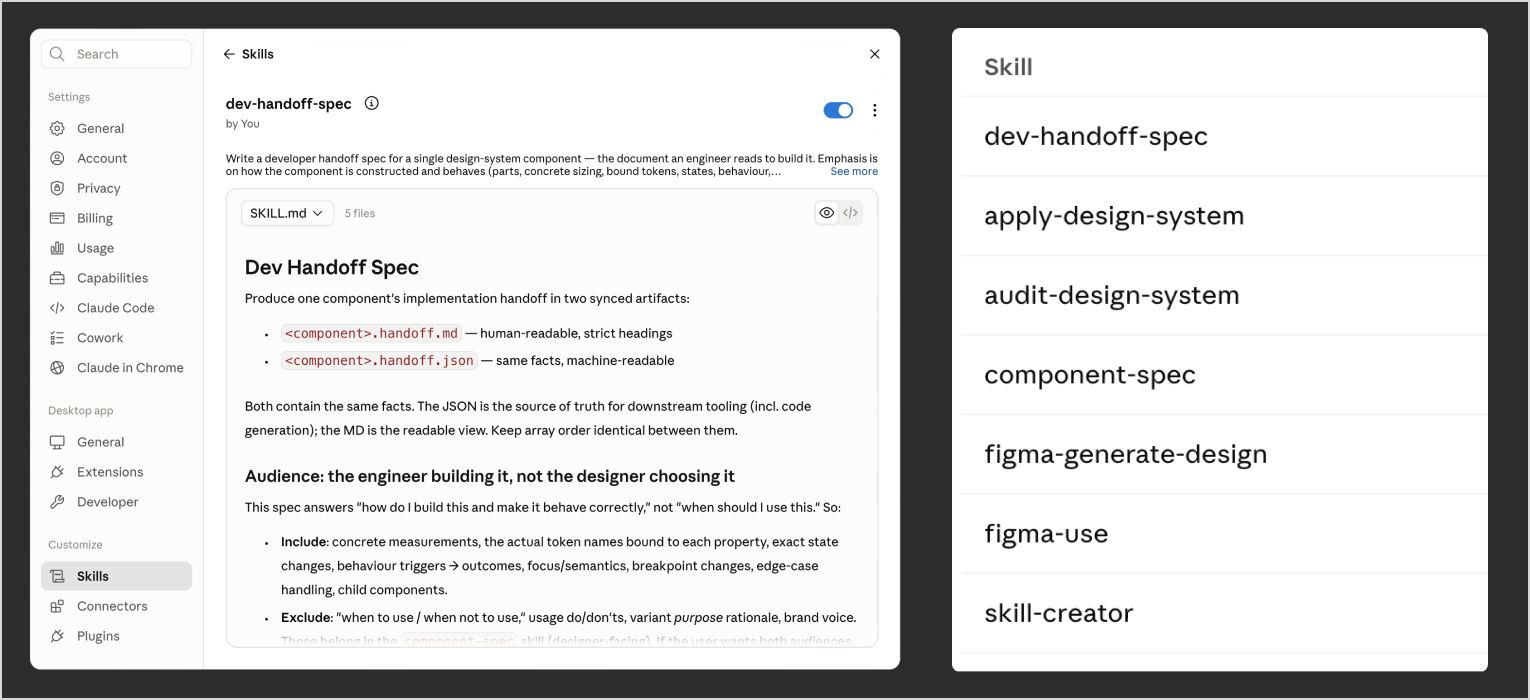
I configured Claude with custom skills and routines to generate and maintain documentation for design and engineering teams. These defined how component behaviour, usage guidelines, and implementation details should be captured, keeping documentation consistent and making updates part of the workflow.
An interactive control that triggers an action or event when clicked, rendered as a labeled rectangle in one of three visual emphasis levels.
Render as a native <button>. 3 Type × 3 Size × 4 State = 36 variants. Box-sizing is border-box: the 1px border on secondary is drawn inside the fixed height, and its content padding is compensated +1px so all types at a given size share the same outer height.
When I joined the project in early 2026, Accenture was still in the initial stages of its AI enablement journey, with only five million credits shared across several high-priority projects. Ours was the largest consumer, prompting me to investigate ways to reduce usage.
Alongside converting documents into markdown, I introduced reusable .md files containing project context and task instructions, reducing the need to rebuild context every session. Combined with more concise inputs, this helped my team lower unnecessary credit consumption.
04 / Integration
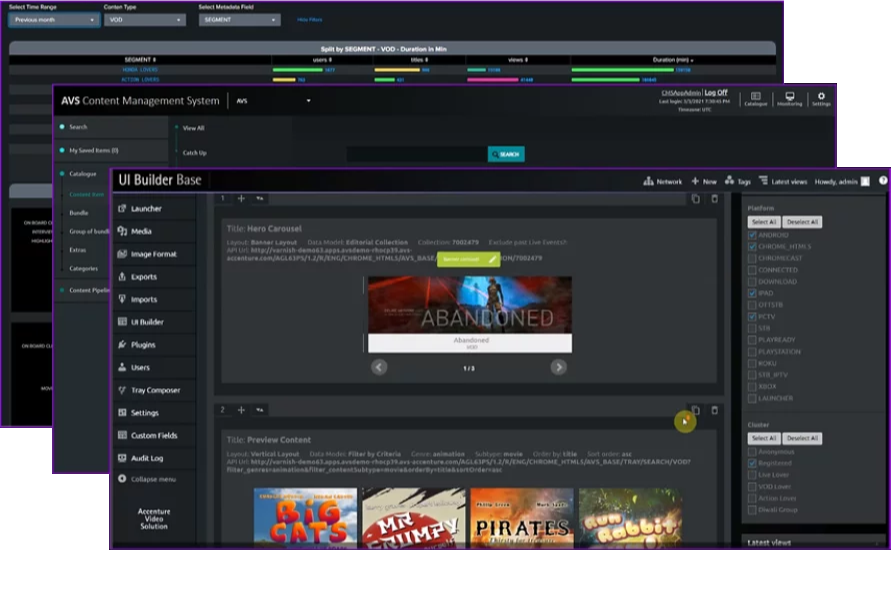
With the initial design system framework nearly complete after three weeks, we could begin testing Claude’s ability to generate layouts from it. In parallel, the team was also finalising the redesign of the UI builder, preparing the platform for agentic AI workflows.
We used Claude to generate test layouts and assess how well AI interpreted our design system. Early experiments revealed that some layouts required too many iterations to reach the intended result.

Adopting stricter atomic design rules helped Claude generate layouts faster and more consistently. The results were more rigid, but the better reliability made the trade-off worthwhile.
05 / Samples